
Agendas and records
Keep the Clerk office focused on notices, agendas, minutes, records, and the public business of the meeting—not on the production console.
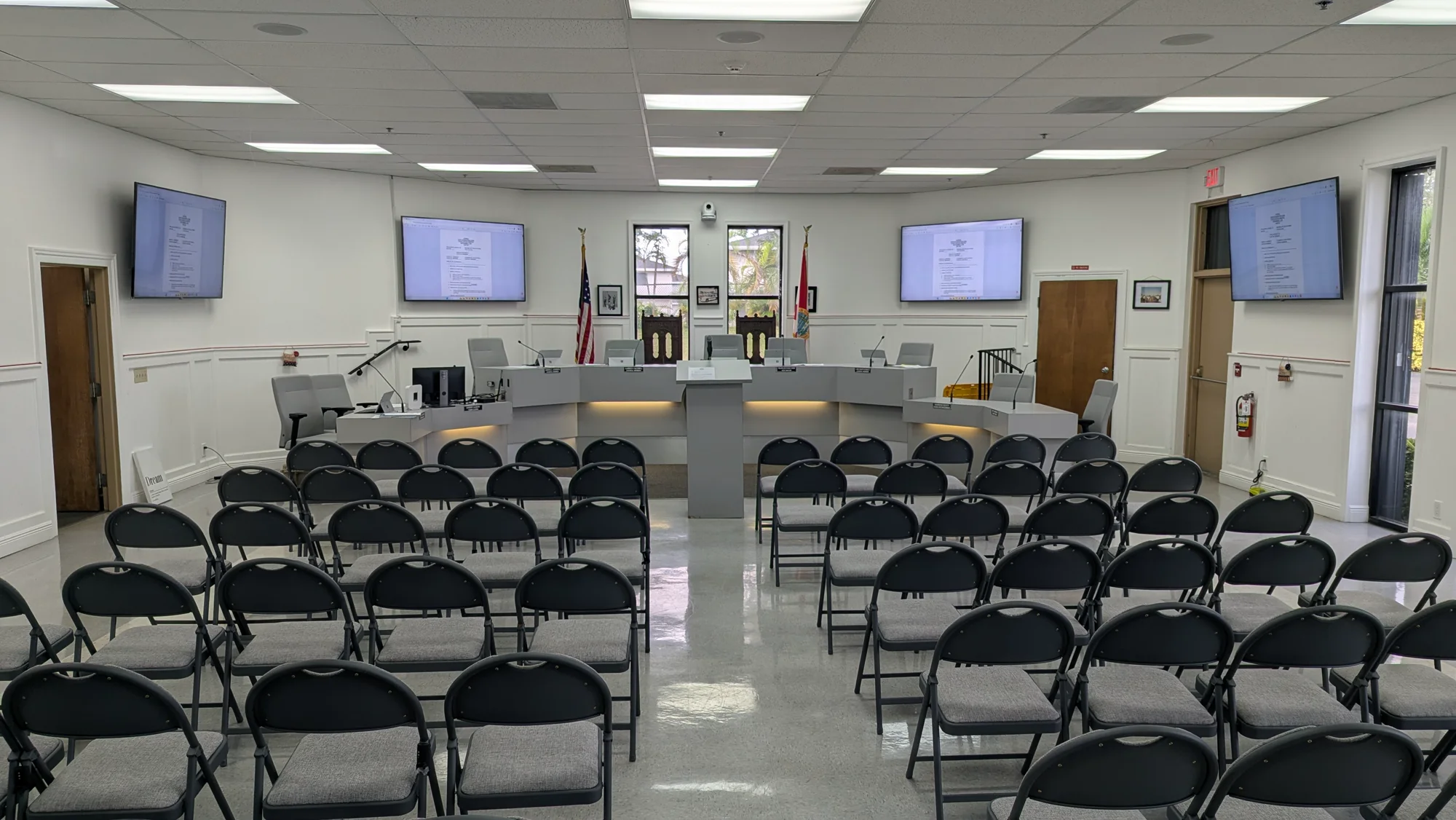
Your Clerk's Office already carries responsibility for the agenda, the record, elected officials, public notices, and the people in the room. Primestar manages the technical production of council meetings, workshops, budget hearings, town halls, and special meetings so meeting-night broadcast work does not become another Clerk office duty.
Get the room, sources, microphones, and destinations ready.
Direct cameras, audio, presentations, graphics, and the live program.
Verify the recording and coordinate the archive handoff.
The Clerk office is responsible for the public process. Primestar takes responsibility for the production layer around that process, with a defined workflow before, during, and after the meeting.
Keep the Clerk office focused on notices, agendas, minutes, records, and the public business of the meeting—not on the production console.
Give council members, presenters, and public commenters a production team that is prepared to handle microphones, presentations, and remote participation.
Produce an intentional multi-camera meeting record with understandable audio, useful framing, presentation visibility, and dependable delivery.
Make it clear who prepares the room, operates the broadcast, watches the stream, and manages the post-meeting handoff.
The Clerk office should not have to remember every camera preset, microphone path, presentation source, encoder state, and archive handoff while also running a public meeting.
The production starts before the agenda is called. Primestar can check the signal chain, prepare presentation sources, confirm camera positions, verify microphones, and make sure the intended public destinations are ready.
While the Clerk office manages the public meeting, Primestar manages the production. Operators direct cameras, mix the program, run presentations, monitor the outgoing signal, and respond when the room or the feed changes.
After adjournment, the production is not finished. Primestar can verify the recording, coordinate the archive handoff, and document production issues so the next meeting begins from a known state.
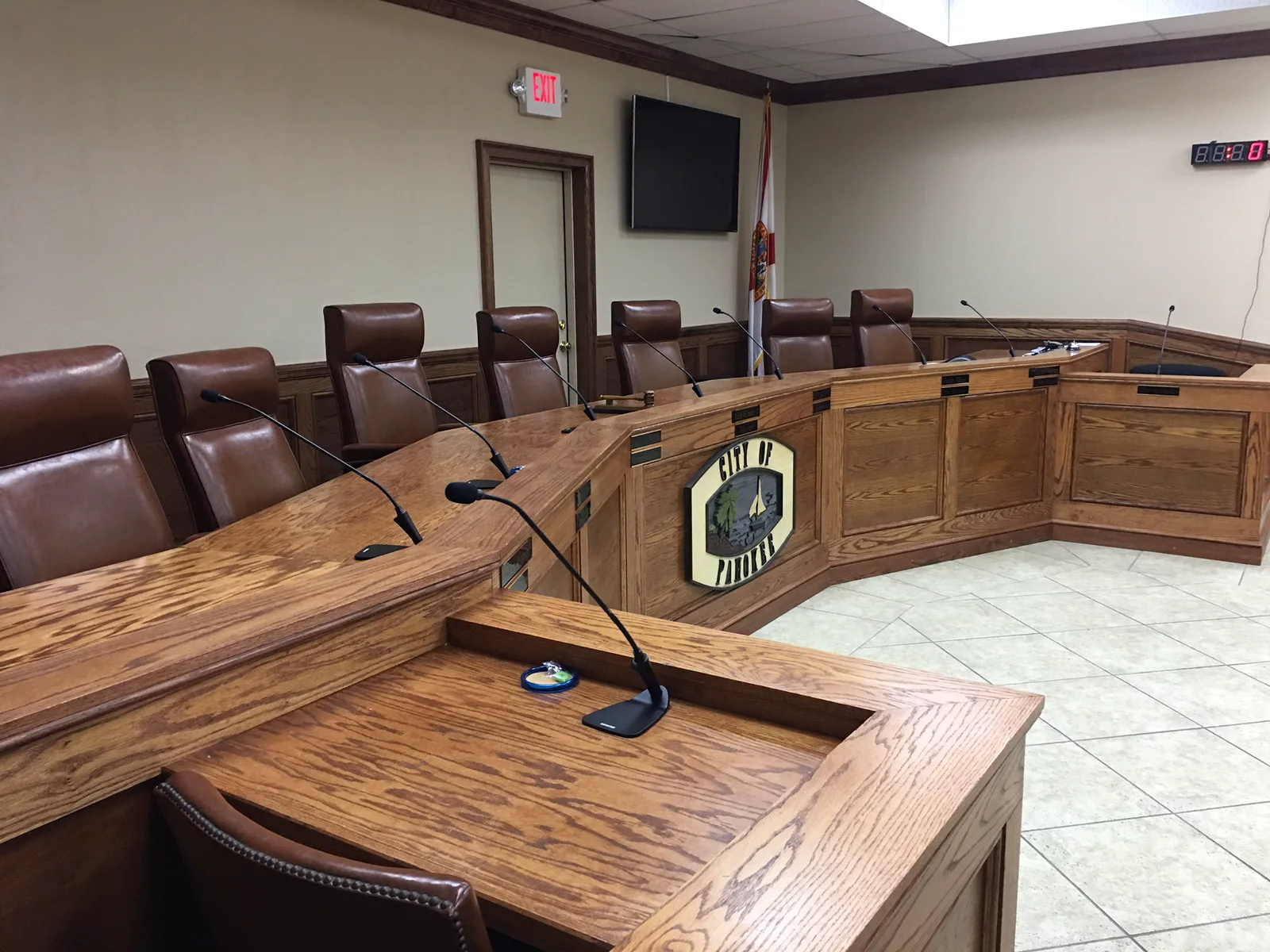
Every public meeting room has its own dais, microphones, displays, audience layout, and production path. Primestar can map the support plan to the room your Clerk office actually uses.
Primestar can work around the municipal website, meeting platform, archive, social destinations, cable path, and room equipment already in place. The goal is a clear production handoff—not a forced platform change.
Equipment checks, microphones, cameras, presentation sources, and pre-air verification.
Camera direction, audio mixing, presentations, graphics, remote participants, and stream monitoring.
Recording verification, captioning coordination, platform handoff, and public delivery workflow.
The answers depend on the room and the meeting workflow, but the goal is consistent: less meeting-night technical responsibility for Clerk staff and a clearer public broadcast.
The pre-meeting scope can include equipment checks, camera positions, microphone checks, presentation preparation, graphics, captioning coordination, recording setup, and verification of the intended streaming destinations.
Yes. The same production workflow can be planned for council or commission meetings, workshops, budget hearings, town halls, public hearings, and other scheduled civic programs.
The production can be designed around the municipal website, meeting platform, archive, social destinations, cable path, or other workflow already in place. The exact handoff is confirmed during planning.
Primestar can prepare and operate presentation sources, manage the broadcast mix for council and public-comment microphones, and coordinate remote participants when the production scope includes those responsibilities.
No. Some rooms benefit from an onsite technician, some can be produced remotely, and some use a blended model. The right choice depends on the installed system, meeting format, network path, and the type of responsibility the Clerk office wants to move off its checklist.
Share your current meeting format, room setup, and public delivery workflow. We can map the production responsibilities that should stay with the municipality and the ones Primestar can own.