
The meeting-night hours
Setup, pre-air checks, live operation, troubleshooting, and strike can turn a two-hour meeting into a full evening on the clock.
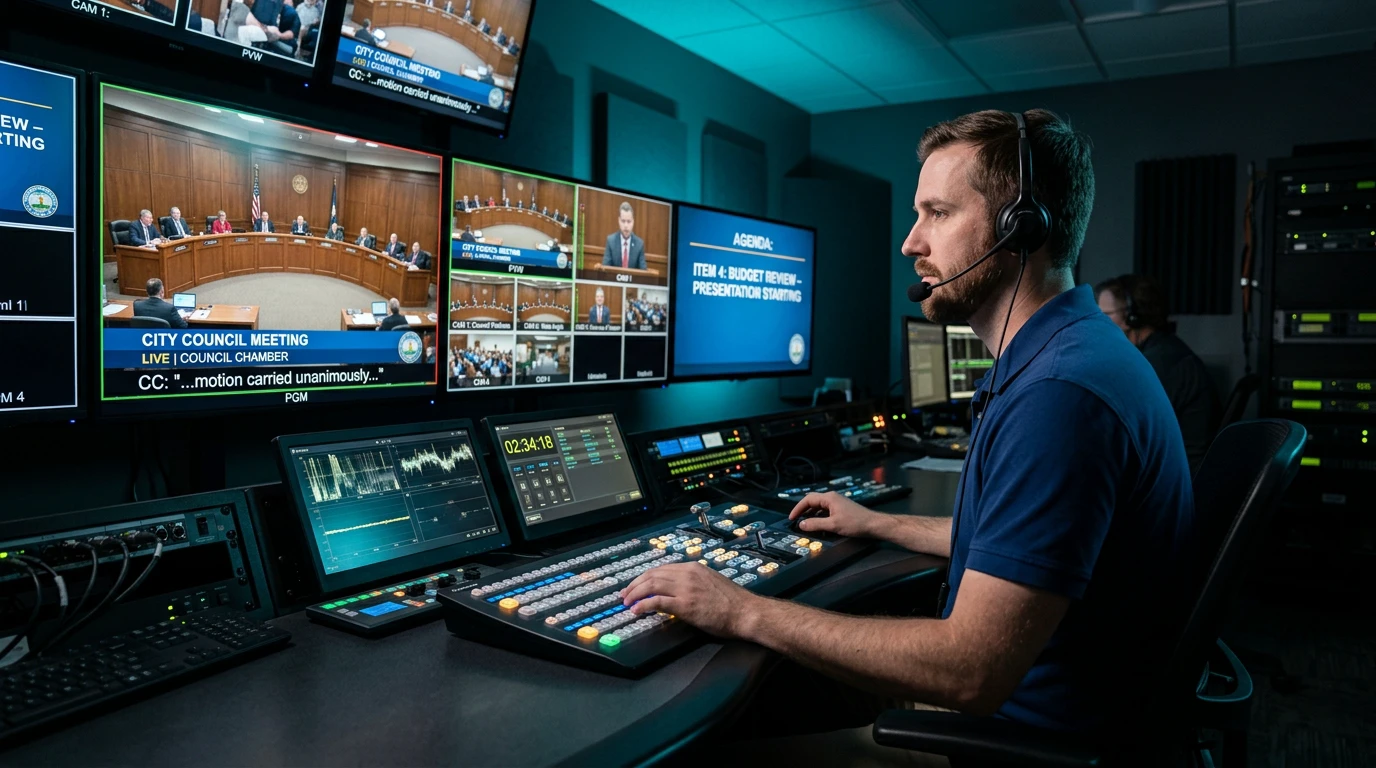
City Council meetings, workshops, budget hearings, and special sessions should not require municipal IT staff to become the camera operator, audio engineer, presentation technician, and livestream producer after hours. Primestar provides professional onsite or remote meeting production so IT can stay focused on IT.
Work around the civic tools your municipality already uses.
Operate a capable municipal system or plan the right upgrade.
Produce onsite, remotely, or with a blended operating model.
A public meeting has a production workload whether the municipality assigns it to a broadcast team or adds it to an IT employee's evening. The work includes preparation, live decisions, technical monitoring, and the handoff that protects the public record.
Setup, pre-air checks, live operation, troubleshooting, and strike can turn a two-hour meeting into a full evening on the clock.
A microphone fault, presentation issue, camera position, signal loss, or encoder problem becomes an IT interruption when no production team owns the room.
Cameras, graphics, captioning coordination, recordings, and stream destinations are specialized broadcast responsibilities—not the core mission of municipal IT.
Primestar plans the work around the room, the meeting format, and the destinations your public already uses. The scope can be onsite, remote, or a combination of both.
We are not publishing a universal calculator or implying that every municipality should cost the same. Meeting support depends on the room, equipment, cadence, staffing model, captioning workflow, and distribution requirements.
We can review the work currently assigned to staff and compare it with the production scope you need—without putting a one-size-fits-all estimate on the public website.
The right approach depends on what the municipality owns, what the public already uses, and where the production team should work.
Continue using the agenda, records, civic engagement, or streaming platform your staff and residents already know. Primestar provides the production layer around it.
If the cameras, audio, displays, network, and control path are suitable, Primestar can plan around the municipal system and provide the people to operate it.
Connect the chamber to the Primestar studio so trained operators can direct cameras, mix audio, run presentations, monitor the program, and manage distribution remotely.
The production scope should be clear before the next overtime request, equipment purchase, or platform decision.
Often, yes. We can review the cameras, microphones, displays, network path, control equipment, and room workflow already in place. The assessment determines what can be operated as-is, what needs to be reconfigured, and what should be replaced before production responsibility moves off municipal staff.
Yes. A chamber can send cameras, audio, presentations, and control signals to the Primestar studio for remote production. The exact design depends on the room, network, equipment, meeting format, and required destinations.
That depends on the system and the scope of the engagement. The goal is to remove recurring production work from the IT overtime list, while keeping the municipality involved for responsibilities that belong to its facilities, network, security, or public-meeting operations.
Yes. Production can be planned around recurring council or commission meetings as well as workshops, public hearings, budget sessions, town halls, and other scheduled civic programs.
We review the actual meeting cadence, staffing, setup time, equipment responsibilities, captioning workflow, distribution, and support requirements privately. That creates an apples-to-apples scope without publishing a one-size-fits-all price estimate.
Tell us how your meetings run today and where the overtime or technical burden is coming from. We will scope the production conversation around your actual room and workflow.